What Is My Links?
It's a page at yoursite.com/my-links with your most important buttons in one place. Here's how it looks:
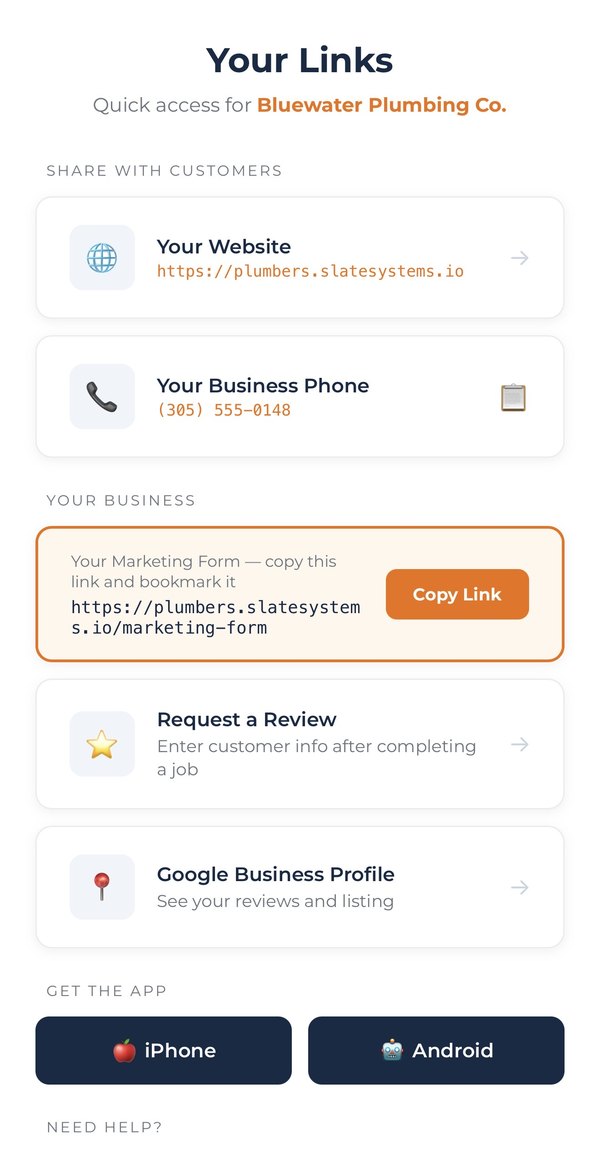
Each button gives you instant access to:
Your Website
Quick link to share your website with customers or on social media.
Your Business Phone
Tap to copy your business phone number to your clipboard.
Request a Review
Open the review form to add customers. Plus a Copy Link button to bookmark it.
Google Business
Quick access to manage your Google Business Profile. Need help setting it up? See our GMB Setup Guide.
Download App
Links to download the Lead Connector app for iPhone and Android.